
Best Inventory Management Software Indore: 2026 Guide
Find top inventory management software Indore businesses use to automate stock tracking, GST billing, and supplier orders. Explore modern features now!
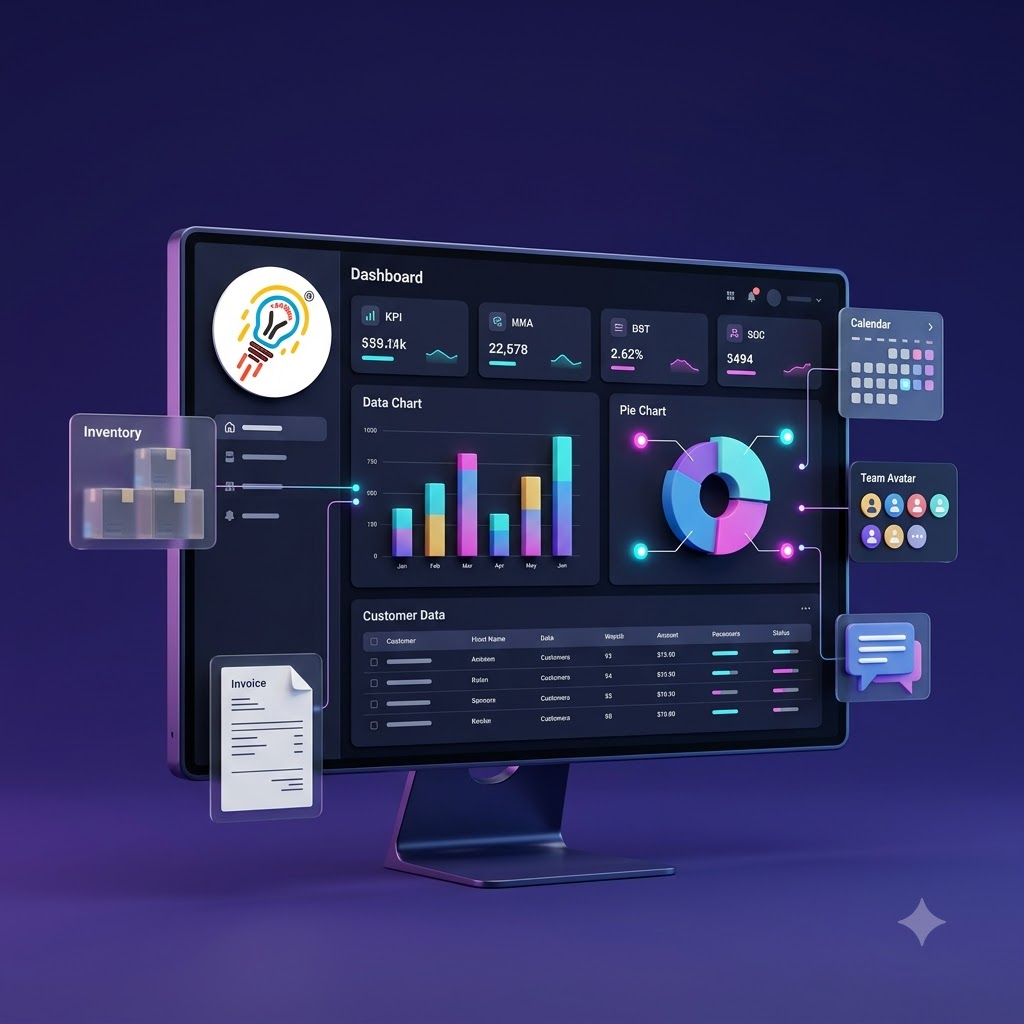
Finding the right inventory management software Indore merchants can rely on is often the first step toward fixing daily stock confusion on the counter. When a customer asks for a popular item and you must search through paper registers or back-room shelves only to discover it sold out yesterday, you lose both revenue and goodwill. Managing stock manually or on loose spreadsheets leads to misplaced items, untracked wastage, and unexpected shortages during evening rushes.
Adopting practical inventory management software Indore shop owners trust brings complete clarity to your daily stock movements. It allows you to track current stock levels, see which items move fastest, and reorder fresh supplies before shelves run empty. Instead of spending hours matching bills against physical stock at night, you get an accurate picture of your business throughout the day.
This guide breaks down every step of moving your business from paper registers to a reliable cloud system. Let us begin by examining why local retailers need inventory management software Indore businesses count on to simplify daily store management.
Table of Contents
- Why Local Retailers Need Inventory Management Software Indore
- Core Features of Effective Inventory Management Software Indore
- Overcoming Stock Discrepancies in Busy Commercial Hubs
- Connecting Inventory with WhatsApp and Customer Communications
- Understanding Implementation Costs and Pricing Models for SMEs
- How Cloud ERP Architecture Streamlines Multi-Branch Operations
- Essential Data Safety and Backup Standards to Demand
- How to Evaluate and Select the Ideal Software Vendor
- Frequently Asked Questions
- Final Thoughts on Inventory Management Software Indore
Why Local Retailers Need Inventory Management Software Indore
Local retailers upgrade to inventory management software Indore to eliminate stock tracking errors, stop unexpected shortages during rush hours, and keep counters moving fast. Tracking goods digitally across shelves and godowns ensures you never turn away a buyer or overorder slow-moving items.
Stock Tracking in Busy Commercial Hubs
In crowded trading hubs like Rajwada and Marothia Bazaar, handwritten registers quickly fail during festival rushes. Counter staff often sell items that are already out of stock or forget to deduct items moved from secondary storage. Adopting dedicated inventory management software Indore solves this by updating stock counts the moment an item is sold or shifted.
Having instant visibility across your main retail counter and secondary warehouse stops costly double-ordering. Suppose a business keeps fast-selling items both on display and in a back godown. Without live tracking, counter staff might assume an item is sold out while full boxes sit uncounted in storage.
Automated alerts notify you when stock drops below your chosen safety level, preventing sudden stockouts of high-demand items. This keeps your working capital free instead of tying it up in unsold products.
- Inward Stocking: Goods are recorded digitally upon delivery at the main warehouse.
- Counter Sync: Items moved to the sales counter reflect instantly across your system.
- Reorder Alerts: Automated warnings prompt new purchase orders before popular items run out.
Faster Counter Checkouts
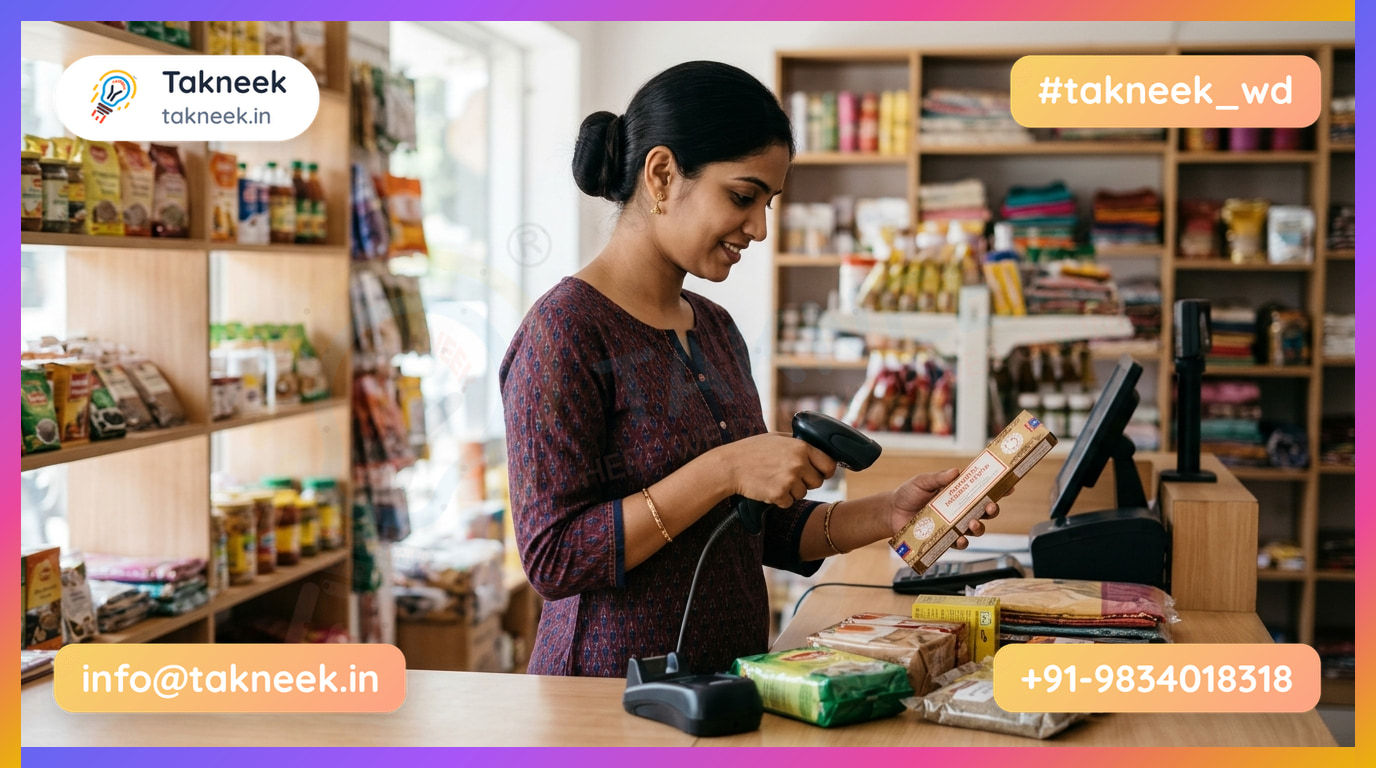
Integrating barcode scanning with digital inventory speeds up customer billing during busy afternoon rushes. Instead of manually looking up product codes or writing paper receipts, counter staff scan barcode stickers to pull item details directly onto the invoice.
Choosing reliable inventory management software Indore helps small businesses shorten billing queues and keep digital ledger records accurate without manual entry errors. Using robust inventory management software Indore gives owners full clarity over daily stock movements across every store location.
Core Features of Effective Inventory Management Software Indore
Effective inventory management software Indore connects daily counter sales directly to your backend stock levels and financial ledgers. Instead of matching paper registers at night, every transaction updates stock counts immediately across all item sizes, batches, and locations. This prevents stock-outs, speeds up billing, and simplifies daily ledger management for growing operations.
Stock Tracking and GST Billing
Look for a system that updates stock counts the moment an item leaves the shelf. If you sell products in multiple sizes or items with batch numbers, the software should log variants automatically. Choosing a robust inventory management software Indore ensures you receive alerts when items hit reorder thresholds, so you never miss a sale due to unexpected stock-outs.
Billing tools must handle sales and returns while creating invoices with HSN codes and customer details. Look for software that exports accurate return and sales data synced with the GST portal for monthly filing. When customers return goods, your system should restock the item automatically and adjust the credit note without manual math.
Counter POS and Credit Ledgers
Fast counter billing relies on a responsive point of sale setup. When selecting an inventory management software Indore, verify that the counter POS prints thermal receipts, scans barcodes, and records cash, UPI, and card payments. Implementing a cloud ERP software for small business gives owners instant access to daily sales reports across shifts.
Managing customer credit ledgers alongside supplier payables prevents unpaid accounts from slipping through the cracks. The system should track customer dues, set credit limits, and send payment reminders over WhatsApp. Having your purchasing, counter sales, and ledgers in one place gives you total control over cash flow.
- Batch mismatches: Ensure counter staff scan specific batch numbers during peak hours to maintain expiry tracking.
- Unchecked credit limits: Configure your billing screen to warn staff when a customer exceeds their credit threshold.
Deploying a practical inventory management software Indore eliminates discrepancies between physical stock and digital records. It gives business owners full clarity on daily sales and inventory balances.
Overcoming Stock Discrepancies in Busy Commercial Hubs
Stopping stock loss in crowded trading hubs starts by choosing modern inventory management software Indore businesses can run directly on the shop floor. Replacing paper logbooks with digital tracking catches missing stock instantly during transfers, monitors perishable goods, and allows quick audits without closing shop doors.
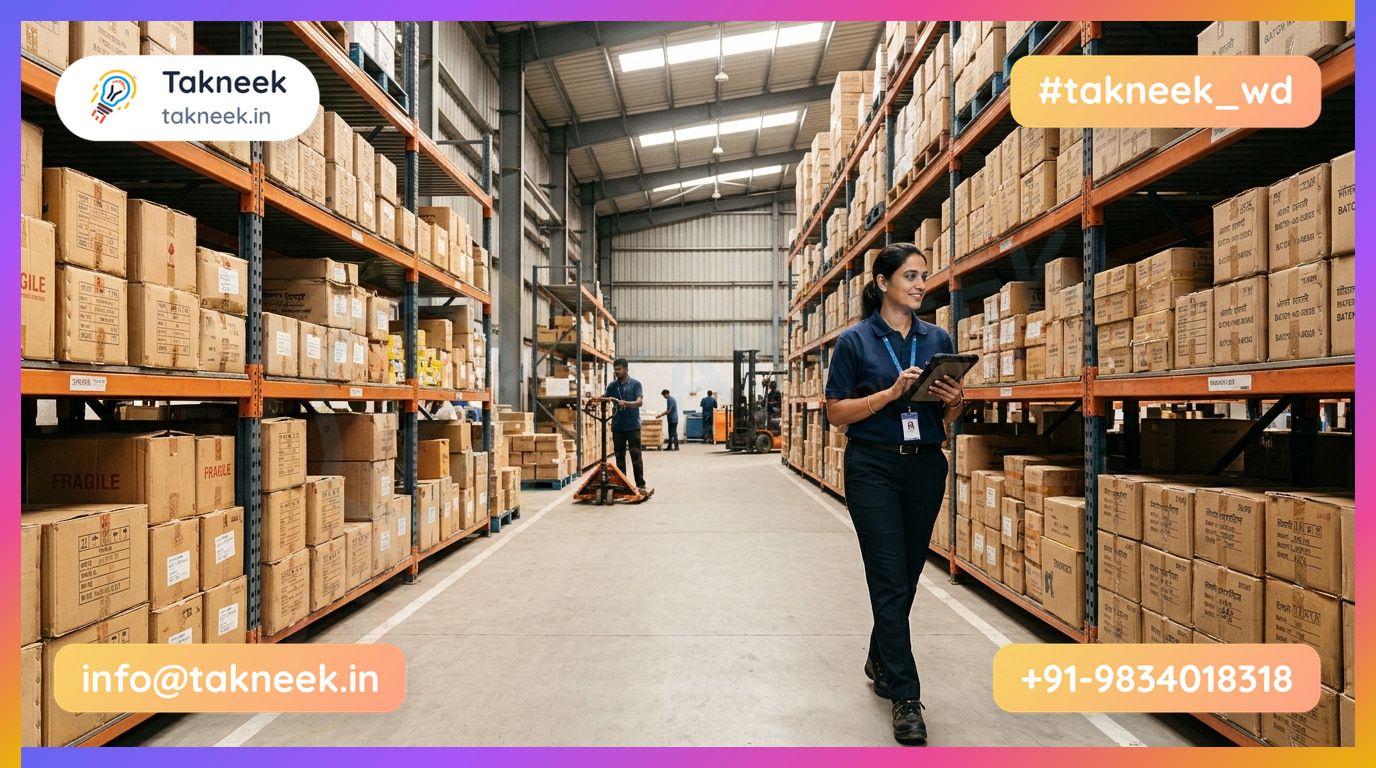
When goods move from your central godown to a retail counter, items often go missing without clear accountability. To prevent leakage, issue a digital stock transfer order before any shipment leaves the warehouse. The receiving counter manager then accepts the delivery by checking physical stock against system records.
Tracking Batches and Expiry
For pharma stock or packaged food, selling expired goods leads to heavy losses and customer dissatisfaction. Using batch-capable inventory management software Indore suppliers rely on lets you log manufacturing dates and batch numbers during receipt. Your system then alerts staff to clear older stock first using a standard first-expiry, first-out workflow.
Closing down the shop for a full annual inventory count wastes valuable trading hours. Instead, set up routine cycle counts by auditing one shelf or product category each morning before opening. Good inventory management software Indore shopkeepers adopt isolates specific shelf locations in the system so regular sales continue smoothly while staff verify physical counts.
Fast Mobile Stock Verification
Manual stock counting against printed spreadsheets often introduces human error and slows down your staff. Staff can use smartphone cameras to scan barcode stickers on products or shelf labels, instantly matching physical stock against system numbers.
- Open the stock audit screen on a mobile phone browser.
- Scan the barcode on the item tag or box using the camera.
- Enter the physical quantity counted on the shelf.
- Review any discrepancy flagged automatically by your inventory management software Indore setup and submit the update.
Suppose a shelf shows ten boxes of tea in your system, but staff count only eight. The system records a shortage of two units immediately, letting you investigate missing items before reordering. Watch out for unrecorded staff samples or misplaced boxes behind display racks during counts.
Connecting Inventory with WhatsApp and Customer Communications
Connecting stock tracking with customer messaging lets modern inventory management software Indore automatically send invoices, reorder notices, and ledger reminders to mobile phones. This replaces manual phone calls and paper receipts with instant digital communications tied directly to your current stock levels.

Setting up credit reminders begins inside your customer ledger. When an outstanding balance passes a set credit limit or payment due date, your system triggers an alert using the WhatsApp Business Platform. The message provides the exact ledger balance and payment options, helping buyers clear dues promptly without requiring staff follow-ups.
At the billing counter, flexible inventory management software Indore creates a paperless bill as soon as the cashier records a sale. The counter POS sends a digital receipt link straight to the customer's mobile device. This eliminates paper clutter while instantly updating item variants and stock levels across your system.
Streamlining Wholesale and Supplier Communication
Automating purchase orders and wholesale notifications keeps your supply chain moving without constant manual tracking. Here is how automated messaging coordinates daily stock transactions:
- Stock threshold trigger: When item stock drops below your minimum reorder level, inventory management software Indore drafts a purchase order for your regular vendor.
- Automated PO dispatch: The system sends order details directly to your supplier so they can fulfill the restock quickly.
- Buyer dispatch confirmation: When shipping wholesale orders, the system sends instant dispatch alerts and tracking details directly to your buyer's phone.
When setting up messaging workflows, ensure store staff carefully verify customer phone numbers at checkout to avoid failed notifications. Choosing cloud-first inventory management software Indore helps ensure these automated triggers run smoothly across phones and browsers without requiring local IT infrastructure.
Understanding Implementation Costs and Pricing Models for SMEs
Setting up modern inventory management software Indore involves evaluating predictable cloud subscription fees against traditional software licenses, alongside essential hardware costs. A clear cost breakdown allows business owners to upgrade without unexpected financial surprises.
Comparing Subscriptions and Hardware Setup
Legacy software licenses usually demand heavy upfront payments and expensive updates. In contrast, cloud subscriptions keep entry barriers low. For instance, InventoryOS starts at ₹499/month, giving growing shops access to enterprise-grade tools without a heavy initial investment.
Next, consider your hardware expenses when selecting inventory management software Indore for your counters. Thermal label printers and handheld barcode scanners easily plug into standard computers or mobile devices. Using standard hardware prevents you from getting locked into expensive proprietary equipment.
Calculating Returns and Spotting Extra Charges
Calculating return on investment comes down to preventing inventory loss and reducing routine manual labor. If your business regularly loses stock to untracked damage or spends long days manually reconciling registers, automated tracking recovers those costs over time by streamlining counter workflows.
When reviewing vendor plans for inventory management software Indore, watch out for fine print that inflates monthly bills. Look closely at how providers structure pricing as your team adds counters or catalog items.
Key fee structures to watch out for include:
- Per-terminal charges added for every new billing counter
- Storage fees triggered as transaction history grows
- Paid add-ons required for software updates or technical help
Carefully comparing total setup expenses against operational savings protects your monthly cash flow. Choosing reliable inventory management software Indore gives your shop room to expand without sudden pricing spikes.
How Cloud ERP Architecture Streamlines Multi-Branch Operations
Cloud ERP architecture connects multiple store locations and sales channels to one central database in real time. Deploying inventory management software Indore enables owners to oversee remote stock levels, sync physical counter sales with web listings, enforce staff permissions, and maintain counter billing during internet disruptions.
Centralized Stock Control and Channel Syncing
With cloud architecture, you no longer need to physically visit each godown or store branch to check inventory levels. A centralized dashboard updates instantly whenever a sale occurs at any location. If you sell across a physical counter and an online store, cloud synchronization updates stock counts everywhere immediately to prevent overselling.
Implementing cloud-based inventory management software Indore makes multi-channel retail operations predictable. Suppose a distributor sells a batch of motor oil at a physical counter while a customer orders the same item online; the system immediately reserves that stock across channels so neither customer faces order delays.
Security Controls and Offline Continuity
Managing staff across multiple locations requires strict control over sensitive business information. Role-based access controls protect cost margins by letting counter staff process sales without viewing supplier purchase prices.
Key multi-branch operational controls include:
- Role-based permissions: Restrict access so billing staff view stock counts while cost margins remain private.
- Offline bill creation: Allow POS counters to record transactions during internet outages and auto-sync when reconnected.
- Offsite monitoring: Review live sales and stock balances across all locations from any web browser.
When selecting inventory management software Indore for growing branches, offline reliability is essential. Internet connectivity in busy commercial areas can fluctuate during peak billing hours. A system with offline capabilities lets staff generate customer bills without interruption, saving transactions locally until internet connectivity returns.
By unifying branches under cloud inventory management software Indore, business owners eliminate inventory blind spots across locations. Staff focus on rapid counter service, sensitive financial data stays protected, and multi-branch stock records remain accurate.
Essential Data Safety and Backup Standards to Demand
To keep your daily ledger safe, modern inventory management software Indore must automatically store copies of your data off-site. A reliable system protects customer registers, billing history, and ledger entries against hard drive crashes, water damage, or stolen shop phones without requiring manual effort from your staff.
Hardware breaks down unexpectedly, and manual back-ups on pendrives are often forgotten during busy evening rush hours. When evaluating inventory management software Indore, verify that the platform runs background copies to remote cloud servers every night. This ensures that even if your billing counter computer stops working, your complete sales log remains intact.
Encryption and Data Privacy
Your stock values, supplier details, and customer credit ledgers contain sensitive commercial data that competitors should never access. Quality software encrypts this information both while it travels over internet connections and while it rests in database storage.
This safeguard prevents unauthorized reading of transaction files if a transmission is intercepted or a server is inspected. Always confirm that data encryption is built directly into the software architecture.
User Permissions and System Recovery
Not every staff member needs complete access to your financial records. Effective inventory management software Indore lets business owners assign specific roles to team members:
- Counter Clerks: Create sales receipts, record cash or UPI payments, and view current item balances.
- Accountants: Access purchase invoices, GST receipts, and credit ledgers.
- Store Owners: Edit product rates, approve stock adjustments, and download full financial reports.
If a billing counter phone falls into water or a laptop hard drive fails, you cannot afford to stop sales for hours. The right cloud software allows you to log into a browser on any replacement device and immediately recover your database. Before purchasing inventory management software Indore, ask the provider to demonstrate how quickly a fresh device pulls up your existing stock levels and past customer balances.
How to Evaluate and Select the Ideal Software Vendor
Selecting the right software vendor requires testing support availability, running live trial transactions, and checking how quickly counter staff learn the screen. Look for providers that offer direct help during your actual operating hours and support a clear transition from paper ledgers. Evaluating an inventory management software Indore solution properly protects your business operations before you commit to a contract.
Testing Support and Practical Features
Your shop might open early or close late, so technical support must match your actual trading hours in Madhya Pradesh. Before choosing a system, call the support phone line during a busy afternoon or on a weekend. Ask how quickly an agent responds when a billing counter faces a printer issue or a stock sync problem.
Instead of testing sample records, enter twenty of your own real shop items during a software trial. Create products with different variants, such as sizes or batch numbers, and run test billing transactions. This practical check reveals how well the inventory management software Indore option handles your specific daily stock movements.
Put your counter clerk in front of the screen without long training sessions. Observe how easily they add items to a bill, record cash or UPI payments, and print a thermal receipt. If a billing worker can generate accurate receipts within minutes, the user interface is simple enough for high-volume sales counters.
Planning Your Data Migration
Moving from paper ledgers to digital systems works best in structured steps rather than an overnight change. Following a clear plan prevents stock errors and keeps staff confident during setup.
- Count physical stock for your top-selling items and upload them into the inventory management software Indore database.
- Run paper registers alongside the digital system for three days to verify stock entries and sales records.
- Add remaining product lines and stop using manual registers completely.
Selecting a reliable inventory management software Indore vendor ensures your team receives direct guidance throughout this transition. Taking a structured approach prevents missing stock entries and keeps counter operations running smoothly.
Frequently Asked Questions
What is inventory management software and why do Indore businesses need it?
It is a digital application that tracks stock levels, purchases, and sales in real time to prevent overstocking and missing stock. Implementing inventory management software Indore helps local shop owners replace manual paper registers with automated stock alerts and batch tracking. This ensures you always know what items are available on your shelves without closing shop for physical counts.
Can inventory management software integrate with GST billing tools?
Yes, modern inventory systems combine stock tracking directly with GST billing functions to keep item counts updated as bills are generated. When a counter POS creates a GST-compliant invoice with HSN codes and customer details, the software automatically reduces the stock count for those items. Look for billing systems that record cash, UPI, and card payments alongside supplier purchase orders.
Is cloud-based inventory software suitable for small retail shops in MP?
Yes, cloud solutions work well for small retail shops because they operate on any phone or standard web browser. Using cloud-first inventory management software Indore eliminates the need for expensive local servers or an in-house IT team. Proprietors can easily print barcode sticker batches on thermal sheets, manage customer Khata credit limits, and dispatch WhatsApp payment reminders directly from their mobile devices.
How much does inventory management software typically cost in Indore?
The cost depends on the selected plan and feature set, with basic cloud subscriptions for inventory management software Indore starting at ₹499 per month. Small retail shops and distributors can choose simple cloud plans to avoid high upfront hardware investments. Always confirm whether core capabilities like batch tracking, thermal receipt printing, and GST invoicing are included in the base package.
Can I track stock across multiple store locations using one software?
Yes, multi-location stock tracking allows you to monitor inventory levels across separate store branches, counters, or warehouses from a single account. Choosing modern inventory management software Indore helps business owners view real-time stock balances across all product variants and locations. This centralized visibility prevents stock imbalances between branches and simplifies stock receipts across your entire operation.
Final Thoughts on Inventory Management Software Indore
Moving away from paper ledgers gives retail and wholesale shop owners true visibility over stock across every variant and store location. Implementing robust inventory management software Indore helps you catch low-stock levels early, manage item expiry, and prevent stockouts on busy sales days.
Linking daily counter sales directly with automated WhatsApp balance reminders keeps your customer ledger clear and protects cash flow. Selecting modern inventory management software Indore provides your business with a cloud-first platform that runs on any phone or browser without needing local installations or dedicated IT staff.
Upgrading your commercial operations starts with seeing how a practical solution handles your actual daily billing and stock workflows. Schedule a brief InventoryOS walkthrough to see how tailored inventory management software Indore can simplify your store operations and keep your business growing smoothly.