
Social Media Post Scheduler: Easy 2026 Guide for Shops
Learn how a social media post scheduler helps small businesses auto-publish content on Instagram and Facebook in 2026. Boost engagement and save time today.

Using a reliable social media post scheduler can mean the difference between staying visible to your local customers and fading out of their feeds. Picture a typical Tuesday evening in your Bhopal shop or clinic: the counter is busy, suppliers are calling, and your smartphone sits untouched while your online pages go quiet for another week. You know you should post about new arrivals or clinic hours, but there is no time left in the day.
When daily management takes priority, posting gets pushed aside, leading to irregular updates that make your business look inactive. Setting up a practical social media post scheduler allows you to prepare posts in advance so your business stays visible while you serve customers. You do not need a dedicated marketing staff to keep your local audience informed and engaged.
This guide offers a simple blueprint for Indian small businesses to handle content across platforms without spending hours on social media every day. You will learn how to organize your weekly posts, handle multilingual content, and streamline your routine. Let us begin with why every small business needs a social media post scheduler to save time and build consistency.
Table of Contents
- Why every small business needs a social media post scheduler
- How consistent publishing builds local brand awareness
- Key features to look for in a social media post scheduler
- Integrating Google Business Profile with social automation
- Creating multilingual and Hinglish content effortlessly
- How to organize a weekly social content calendar
- Evaluating costs and setup time for social automation software
- How to get started with automated posting today
- Frequently Asked Questions
- Final thoughts on choosing a social media post scheduler
Why every small business needs a social media post scheduler
A social media post scheduler allows a busy business owner to plan, design, and queue updates in advance instead of posting manually every day. This software automatically publishes your offers, photos, and announcements at scheduled times across your online profiles. Using a social media post scheduler keeps your digital storefront active while you focus on serving walk-in customers.
Running a retail store or medical clinic leaves little energy for logging into multiple apps during a busy afternoon. Instead of interrupting your workday at peak customer hours to compose a message, you draft updates in one sitting when your shop is quiet. Setting up a dedicated social media post scheduler ensures your updates go live when local families in Bhopal browse their phones, such as during morning tea or after dinner.
Balancing daily operations with regular updates
When festive rushes or clinical duties pick up, marketing usually gets pushed aside. Without automated queueing, a business might post frequently for a few days and then stay silent for weeks, confusing customers who check if the shop is open.
Here is a practical routine to protect your daily schedule:
- Reserve time on a quiet morning to prepare announcements and photos for the coming weeks.
- Queue every update inside your social media post scheduler so each post publishes at a set time.
- Check your message inbox once daily to answer customer inquiries or appointment requests.
Watch for setting post times purely by guesswork. Review your profile insights monthly to see when your audience actually comments or sends messages, then adjust your queue times accordingly.
How consistent publishing builds local brand awareness
Consistent publishing puts your shop or clinic in front of nearby customers every day, training platform algorithms to show your content to active local users. Over time, this repeated visibility turns casual viewers into loyal buyers who recognize your business when they need your service. Using a social media post scheduler keeps this publishing routine active without interrupting your workday.
How Algorithms Build Local Trust
Instagram, Facebook, and YouTube Shorts prioritize accounts that upload content steadily. When you publish regularly, algorithms categorize your profile as active and push your posts into local feeds. For a shop or clinic in Indore, this continuous presence builds deep trust among tier-2 and tier-3 town residents who prefer dealing with familiar local names.
Converting a follower into a paying client requires multiple natural touchpoints. Setting up a social media post scheduler maintains these updates week after week. Here is how repeated touchpoints guide a local buyer:
- Share fresh stock or daily work to generate initial interest.
- Post helpful tips to build professional authority and credibility.
- Add clear directions so viewers can visit your counter easily.
When prospective buyers repeatedly see your helpful updates, your business becomes their primary choice when they need a service.
Boosting Local Search Traffic
Consistent social media marketing creates a wider digital footprint that supports organic search traffic. Active profiles generate user clicks, direct brand searches, and location tags that signal search engines that your firm is active. Relying on a social media post scheduler keeps your channels updated even during your busiest hours.
A dedicated social media management tool helps you publish steadily without manual effort. Watch out for posting in bursts followed by long silences, which lowers your reach. Using a social media post scheduler protects your overall visibility and keeps local foot traffic growing steadily.
Key features to look for in a social media post scheduler
When evaluating publishing tools, look for capabilities that handle routine updates across all your channels without extra manual steps. A practical social media post scheduler should connect your core networks, streamline weekly preparation, help you create clear visuals, and show what content resonates with local buyers.
Core Publishing Capabilities
First, ensure the platform supports Facebook, Instagram, YouTube, and Google Business Profile from a single screen. Managing separate logins for a clinic or shop takes too much effort. Choose a tool that lets you draft one update and adapt it for each channel.
Next, check for bulk uploading and visual calendar planning tools. A visual calendar in your social media post scheduler lets you review your full month at a glance, drag posts onto target dates, and spot empty slots quickly.
Content Design and Performance
Look for built-in graphic design tools with flexible layouts and localized caption templates. Writing captions in English, Hindi, or Hinglish helps you speak directly to local customers in places like Bhopal. Your system should allow complete editing of text and images before anything goes live.
Finally, examine the built-in analytics dashboard. Selecting an easy-to-use social media post scheduler gives you clear visibility into post reach, customer interactions, and your highest-performing topics. This data helps you refine future updates based on real interest.
Key items to verify during your trial:
- Secure setup: Accounts link through official network login pages without sharing private passwords.
- Design flexibility: Layouts allow rapid logo placement, background edits, and simple text checks.
- Practical reports: Analytics highlight your top themes clearly without crowding the dashboard with technical jargon.
Testing these features before committing helps you find software that fits your daily workflow. A reliable social media post scheduler keeps your business active online while you stay focused on serving walk-in customers.
Integrating Google Business Profile with social automation
When someone searches for a nearby saree shop or dental clinic, they are ready to buy or visit today. Updating your Google Business Profile with fresh posts shows local searchers that your doors are open and your stock is current. Using a reliable social media post scheduler ensures your business listing stays active without requiring separate daily work.
Syncing Google Updates with Social Feeds
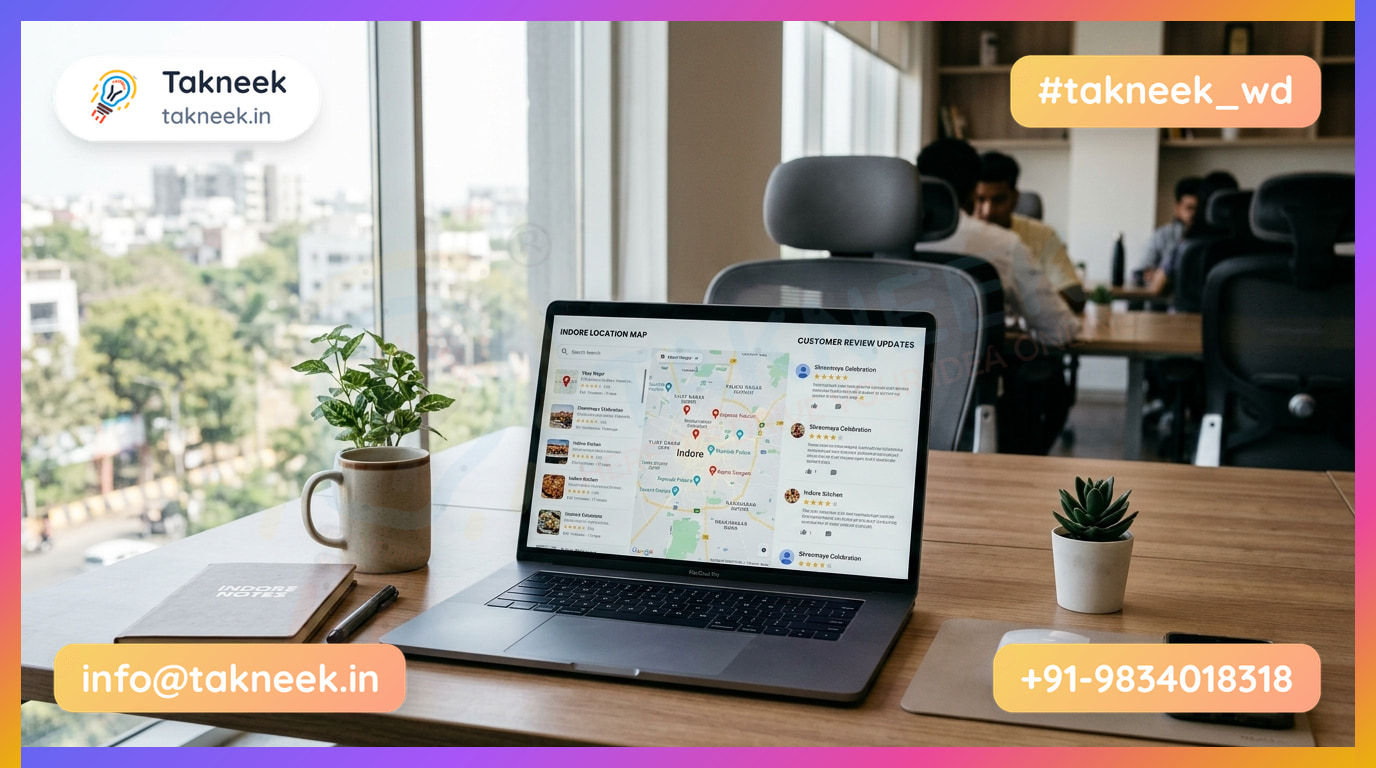
Instead of logging into multiple apps, shape a single update for Instagram, Facebook, and your map listing at once. If your shop in Bhopal runs a weekend festive sale, you can prepare the announcement once. A multi-platform social media post scheduler pushes the offer graphic to Instagram while sending the operational update directly to Google Maps.
Managing Reviews and Local Photos
Photos of your store, front desk, or new stock build immediate trust with local buyers. When paired with active review management, your search visibility naturally improves over time.
Here is a practical workflow to handle your local profile effectively:
- Upload clear photos of your store front, interior, and fresh inventory every week.
- Publish festive offers and revised opening hours simultaneously across social feeds using a social media post scheduler.
- Check incoming customer reviews centrally and respond promptly using AI-suggested reply drafts to save time.
- Track customer actions like phone calls, direction requests, and search ranking changes from one dashboard.
Connecting your accounts directly through Google's authorization page keeps your login secure. A capable social media post scheduler lets small team members preview every caption before it goes live, ensuring your public updates remain accurate and professional.
Creating multilingual and Hinglish content effortlessly
Speaking to customers in the language they use at home builds immediate trust and makes your posts feel like a conversation rather than a cold sales pitch. Mixing casual Hindi words with English—commonly called Hinglish—helps local businesses sound approachable and authentic. Using a modern social media post scheduler allows you to plan and publish these localized captions across all your profiles without extra daily effort.
Drafting authentic local captions
Shoppers in Bhopal react better to familiar local phrases like "Festival Stock Aa Gaya Hai" or "Special Offer Check Karein" than rigid formal English. You can use localized templates for holiday discounts, health advice, or product spotlights, and edit every word so it fits your brand. For instance, Takneek Social lets you create captions in Hindi, English, or Hinglish, while keeping your logo and color scheme consistent across platforms.
Avoiding direct translation errors
Converting English lines word-for-word into regional languages often creates stiff, robotic captions that feel distant. A flexible social media post scheduler helps you write naturally by giving you quick translation tools and ready-to-edit layouts.
| Standard English | Direct Translation (Avoid) | Natural Hinglish (Use) |
|---|---|---|
| Fresh stock arrived today. | ताज़ा स्टॉक आज आ गया है। | Fresh stock aa gaya hai! Aaj hi shop aaiye. |
| Book your appointment now. | अब अपनी नियुक्ति बुक करें। | Apna checkup aaj hi book karein. |
Before queuing your content in a social media post scheduler, test your text with three simple checks. First, read the caption out loud to confirm it sounds like a natural conversation. Next, keep technical product terms in English while writing greetings in casual Hindi. Finally, check your graphics inside your social media post scheduler to verify that text contrast is clear on mobile screens.
How to organize a weekly social content calendar
Organizing a weekly social content calendar requires grouping ideas into clear categories, writing posts in one sitting, and timing them for local audiences. Relying on a social media post scheduler allows you to queue an entire week of updates in advance so your daily routine remains uninterrupted.
Content Buckets and Batching
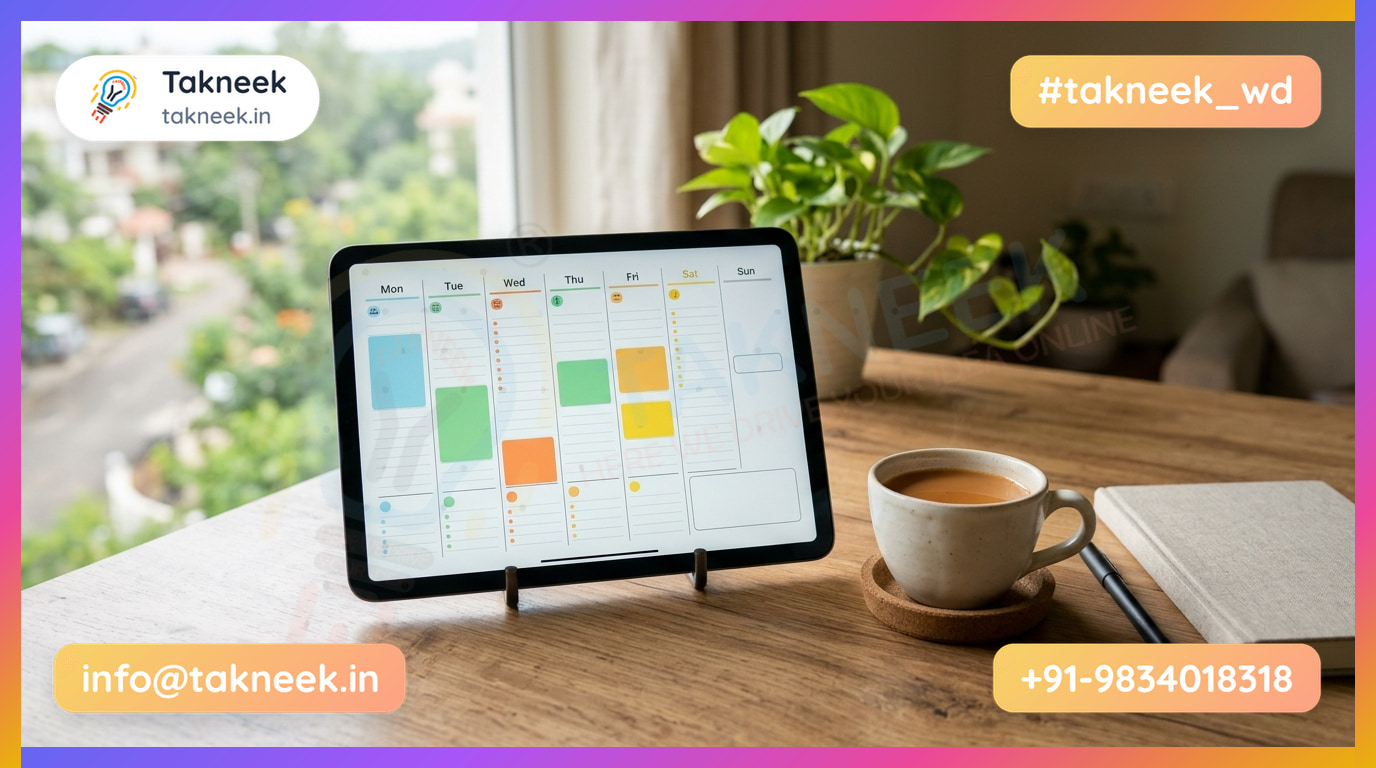
Grouping content into distinct themes eliminates guesswork when deciding what to post each day. A simple weekly framework relies on three main content buckets:
- Educational tips: Practical advice related to your services, like caring for monsoon footwear or maintaining healthy skin.
- Behind-the-scenes: Photos of stock arriving, shop preparation, or team briefings that build authentic local trust.
- Direct offers: Clear calls to action highlighting seasonal discounts, specialized consultations, or limited retail stock.
Planning a full week of posts in a single 60-minute batch session keeps your messaging structured. Use this quiet focus time to write captions, organize graphics, and load everything into your social media post scheduler before the busy workweek begins.
Timing and Asset Repurposing
Schedule posts around local daily routines for maximum visibility among working professionals and families in Bhopal. Late afternoon hours from 5 PM to 7 PM and Sunday mornings often generate steady interest from local buyers.
Re-purposing single assets across multiple formats expands your reach without extra effort. For example, turn a single product photo into an Instagram Reel, a feed update graphic, and a story image.
Distributing these formats through a social media post scheduler keeps your accounts active throughout the week. Always adjust text formatting for each network rather than pasting identical captions everywhere. Using a social media post scheduler establishes an organized routine that delivers steady brand updates reliably.
Evaluating costs and setup time for social automation software
Evaluating software costs means comparing subscription fees against agency retainers while factoring in initial setup effort. Modern tools connect in minutes using secure permission screens rather than complex coding. Choosing a social media post scheduler gives your business full control over your budget while automating daily publishing across platforms.
Agencies versus self-serve software
Hiring an agency often involves monthly retainer fees and lengthy approval emails for every design change. A self-serve tool puts design templates and publishing controls directly in your hands. You keep full ownership of your content schedule without paying for external account managers.
When connecting your profiles, look for software that redirects you directly to official platform login pages. Secure tools use official permission connections so you never share passwords with third parties. Once connected, your social media post scheduler can publish approved posts automatically across your channels.
Measuring time savings and ROI
To calculate returns, look at staff effort rather than just subscription costs. Suppose a shop manager in Indore spends time every morning creating graphics, drafting captions, and logging into separate apps. Using a social media post scheduler reduces that task to a quick weekly review, freeing staff to serve walk-in customers while maintaining steady online leads.
Before committing, test how easily the platform fits your daily workflow. Make sure to review payment options and trial terms carefully before picking a provider.
| What to Check | Why It Matters |
|---|---|
| No-card free trial | Lets you test features without accidental card charges |
| Local payment support | Allows easy rupee payments via UPI, card, or net-banking |
| Flexible billing | Prevents long-term lock-ins if your seasonal needs change |
For instance, Takneek Social offers a 14-day free trial with no card required, followed by direct rupee payments via UPI, card, or net-banking on social.takneek.in. Adding a modern social media post scheduler to your daily operations helps secure consistent visibility without overwhelming your staff.
How to get started with automated posting today
Getting started with automated publishing takes four simple steps: gathering your brand assets, connecting your accounts, building a week of updates, and reviewing early performance. Preparing your media files beforehand helps you finish the initial setup in a single afternoon.
Setting up your dashboard
Begin by making a list of your active business accounts on platforms like Instagram and Facebook. Collect clean copies of your business logo, brand color hex codes, and standard contact details. Having these graphics organized makes it faster to brand templates within your social media post scheduler.
Next, link your profiles through the official Facebook and Google login screens. Connecting accounts directly on provider authorization pages ensures your publishing software never stores your account passwords. Once connected, your dashboard receives permission to publish content directly to your pages.
Launching your content
Choose pre-made graphics layouts to put together your first seven days of updates. For example, a local medical clinic in Bhopal can schedule a health advice graphic for Tuesday and a service spotlight for Thursday. A modern social media post scheduler lets you shape a single update for Instagram, Facebook, and Google Business Profile in one go.
After your initial week of posts goes live, check your dashboard metrics to guide your strategy. Look at which updates led to direct phone calls, customer messages, or map directions. Using a flexible social media post scheduler helps you quickly adjust your posting times for higher local visibility.
- Note which caption language (English, Hindi, or Hinglish) received the most replies.
- Identify the days that brought in the highest customer responses.
- Update your upcoming content schedule using these performance insights.
Applying these simple adjustments every week builds a strong local routine. Relying on a practical social media post scheduler allows your business to publish consistently while you focus on serving customers.
Frequently Asked Questions
What is a social media post scheduler?
A social media post scheduler is a software tool that lets you create and organize content in advance so it publishes automatically at your chosen date and time. Instead of logging into multiple apps every single day, you set up your images, captions, and offers in one central dashboard.
The software then pushes your updates to platforms like Instagram and Facebook without manual effort, helping your business stay visible even during busy shop hours.
Can I schedule posts to Instagram and Facebook simultaneously?
Yes, you can publish content to both Instagram and Facebook simultaneously from a single dashboard. Automation software connects to your official business accounts and formats your post appropriately for each network's unique layout.
You can upload one design, tweak the caption if needed, and set a single publishing time. The system will handle uploading the update to both platforms at once, saving you from repeating the same task across different apps.
Why should I publish regular updates to Google Business Profile?
Regular updates on Google Business Profile signal to local searchers and Google Maps users that your business is active and open. Posting current offers, new clinic timings, or fresh store photos helps convert nearby browsers into direct visits and phone calls.
When you link this listing to a social media post scheduler, your business profile gets refreshed automatically alongside your regular social accounts, ensuring local customers in places like Indore always see accurate details.
How does posting in Hinglish help my local business grow?
Posting in Hinglish connects directly with local customers because it reflects the conversational language they use every day. Simple, relatable language makes your festive promotions and service announcements feel approachable rather than overly formal.
Mixing Hindi and English terms improves reader response on promotions. Modern social media post schedulers offer built-in language tools and translation features, making it simple to write everyday Hinglish captions without extra translation effort.
Is a social media post scheduler easy for beginners to use?
Yes, a modern social media post scheduler is designed specifically for non-technical users like store owners and clinic staff. You do not need graphic design experience or technical coding skills to manage your weekly publishing schedule.
Most platforms feature clean visual calendars, simple design templates, and one-tap tools for image editing. Software options like Takneek Social even run on Android apps with a 14-day free trial, allowing you to manage setup easily from your phone.
Final thoughts on choosing a social media post scheduler
Managing your online presence does not mean spending hours every day creating graphics and captions. Setting up a reliable social media post scheduler lets you plan your promotions, festival greetings, and local updates well in advance. This consistency keeps your store or clinic fresh in the minds of local customers across Madhya Pradesh.
Connecting your business profiles to a single publishing dashboard helps you stay active on Instagram, Facebook, and Google without repeating work. When you choose a modern social media post scheduler, look for tools that support regional languages like Hindi and Hinglish to connect naturally with your neighborhood.
The easiest way to simplify your weekly routine is to test an automated workflow for your own business. You can start a free Takneek Social trial today to see how effortless it is to schedule festival posts, update your Google listing, and manage customer messages from one place. Putting a dedicated social media post scheduler to work allows you to focus entirely on serving your walk-in customers in Bhopal.